September 29, 2026

From Figma to Cursor: Building a Prototype That Actually Works

I've been designing in Figma for years, and I love it. But lately I've been wanting more. I've grown tired of spending countless hours prototyping within Figma's interface. Yes, it works well for small interactions, but it takes so long for major applications. So I started experimenting with turning Figma files into real, working prototypes using Cursor.

My first thought: this is either going to be magic or a total mess.

Spoiler: it works surprisingly well... "Why didn't I try this sooner?" well.

Why try this method?

Figma prototypes are great for showing the idea. But a prototype built in code does something Figma can't quite pull off: it lets people see the product in action.

  • Developers see how things actually work. Menus, navigation, and interactions behave the way they will in the real thing, so there's less guesswork at handoff.
  • Stakeholders get something real to react to. Instead of "imagine this part works," they can click around and feel it.
  • You can test with users before development starts. That means catching problems while they're still cheap to fix, not after they're already built.

And honestly, building all of that by hand in Figma would take forever. Every interaction, every state, every connection.

How I Did It

Here's the setup I landed on. It looks like a lot of steps, but most of them you only do once.

  1. Install Cursor on your laptop.
  2. Install GitHub Desktop on your laptop.
  3. Install the Figma plugin inside Cursor and authenticate your account.
  4. Open your Figma file in Dev Mode and select Set Up MCP Server. This is what lets Cursor actually "see" your designs.
  5. Head back to Cursor and have it build out the screens you've selected.
  6. Iterate on the prototype until it's working like you want it to (note: this is the tedious part).
  7. Connect Cursor to GitHub.
  8. Create a repo in GitHub and turn on GitHub Pages so the prototype gets its own live link.
  9. Push the prototype to GitHub from Cursor.

And that's it! You end up with a real, clickable prototype with a link you can share with anyone. There's something so satisfying about sending someone a link and knowing they'll see exactly what you intended, in action.

One note: you'll need paid GitHub and Cursor accounts for this. But it's a drop in the bucket compared to the time you'd spend prototyping by hand in Figma.

Reality Check: It Took a Few Rounds

I'd love to say I followed those steps and a perfect prototype popped out the other side. It did not.

The first version was a decent start, but it was clear pretty quickly that Cursor needed more direction from me. So I went back in and started getting specific:

  • Tweaking the designs. Some screens needed adjustments once I saw them working, so I had Cursor modify things.
  • Spelling out the design system. I gave clearer instructions about which design system the files were built on and how its components and tokens should be used, so it stopped improvising its own versions of things.
  • Setting up the demo data. I explained exactly how I wanted data entered and displayed for the demo, so the prototype showed realistic content instead of placeholder filler.

Each round got it closer. It took multiple passes of reviewing, clicking through, spotting what felt off, and giving more precise direction before it was working decently. But I'll be honest: watching it come together a little more each round was half the fun.

That's not so different from any design process. The first draft is rarely the final one.

And those rounds taught me the biggest lesson of all: the more structure and clarity I gave it, the better the result. Which brings me to the nerdy part.

Okay, Let's Get Nerdy

Here's the part that makes this work, and the part most "look what I built" posts skip: the design system. (Fair warning: this is where I get really excited.)

My working files aren't a pile of one-off components. They're connected to an attached design system library, and everything in them is built from it: components, variables, and tokens. That's what lets the prototype come out built from the same parts I designed with, instead of a rough approximation. Through the Figma MCP server, Cursor gets the actual structure: the layer hierarchy, auto layout, the components being used, and the variables behind every value.

Variables and tokens are the secret sauce. I set my system up in layers:

  • Primitives are the raw values: the color scales like gray-900 and brand-600, plus a spacing scale built on a 4px base.
  • Semantic tokens point to those primitives and describe what they're for: text-primary, border-primary, spacing-xl, radius-md. The best part is that each one holds a light-mode and a dark-mode value, so text-primary is a dark gray in light mode and flips to near-white in dark mode without touching a single component.

Because the prototype pulls in semantic tokens instead of hex codes, the code reads like a real codebase: CSS custom properties with meaningful names instead of hard-coded values scattered everywhere. Change the token once, and it updates everywhere. Same as in Figma.

Components carry the logic. A button in my design system isn't just a rectangle with text on it. It's a component with properties: variants for size and hierarchy (primary, secondary, tertiary), booleans for things like "has icon," instance swaps for which icon, and states like default, hover, focused, and disabled. When those properties are set up cleanly in Figma, they translate almost one-to-one into props in code: size="sm", hierarchy="secondary", isDisabled.

And because the states are already designed, the build knows what a dropdown looks like open vs. closed, or what a nav item looks like when it's active. That's how menus and navigation come out behaving like real UI instead of looking like pictures of it.

Garbage in, garbage out. Here's the honest truth: this only works as well as your file hygiene. The things that made the biggest difference for me:

  • Auto layout everywhere. It maps almost directly to flexbox, so spacing and alignment survive the trip into code.
  • Clear, consistent names. For layers, components, and properties. "Frame 427" tells the build nothing. "Nav item / Active" tells it everything.
  • No detached instances. A detached component is just loose shapes, and it loses its connection to the system.
  • Variables bound to properties, not typed in by hand. If a color is typed as a hex code instead of linked to text-primary, the build has no idea it's part of your system.

If your file is tidy, the prototype is tidy. If your file is chaos, well… you'll get a very faithful reproduction of the chaos.

Let's be real: clean files are hard. Deadlines happen. Someone asks for "just one quick change," and suddenly there's a detached instance with a one-off tweak in an otherwise perfect screen. Nobody sets out to make a messy file. It happens.

In a static workflow, that mess stays mostly hidden. When a clean file means a better prototype, tidying up finally feels worth it.

It's a loop, not a handoff. The old way was linear: design, hand off to dev with notes, and hope for the best. With the design system as the shared source of truth, it becomes a loop. I can design in Figma, build in Cursor, notice something feels off once it's actually clickable, and go back and fix it at the system level. I can iterate on behavior, not just layout.

The Takeaway

The design thinking still happens in the design. The tokens, the components, the structure: those are decisions I made, and this workflow just carries them into code faithfully. The better the system, the better the prototype.

What I'm most excited about is the bigger picture, and I can't stop thinking about it.

For as long as I've been doing this work, there's been a gap between design and development. Designers hand off static files and notes. Developers interpret them. It's a clunky system at best.

This workflow shrinks that gap in a real way. When a designer can hand off something that already works, the whole conversation changes. Instead of "what should this menu do?" it becomes "here's how the menu works, does it feel right?" Developers get a head start built on the same tokens and components they'll use in production. Stakeholders stop nodding along to mockups and start giving real feedback. And we can test it with users before real work begins.

I'm curious how far we can take this. A few things I want to explore next:

  • Making clickable prototypes a standard part of design reviews
  • Tighter connections between Figma components and the real code components developers already use
  • Testing with users earlier and more often, with prototypes that feel like the real thing
  • Getting designers and developers working from the same source of truth from day one

Working this way gives designers and developers a shared language and a lot more time to spend on the parts that really matter. I can't wait to keep learning, keep building, and share what comes next.

October 1, 2025

Adventures in FUI work on a Film

I had the honor of being recommended to work on a film being produced here in Birmingham that needed custom UI prototypes on set. I love movies—I’ve been going to Sidewalk Film Festival religiously for years—so stepping behind the scenes to do what I do best was an incredible, collaborative adventure.

The production needed a dating app interface for a classic “meet cute” moment. A major company had product placement in the film, so they sent over some prototype files in Figma. My first thought: easy peasy—I’ll tweak these, load them up, and we’ll be ready to roll.

Spoiler: it was not that simple.

The Problem

The files they sent… didn’t exactly cooperate.

  • Figma requires internet. Which is fine for design reviews, but not so fine for a film set where Wi-Fi and cellular connections can’t be trusted.
  • The prototypes glitched. White screens after a swipe or two—if you even made it that far.
  • They sent iPhone files. We were filming on Android. Cue facepalm.

Clearly, I had to improvise.

Rebuilding the Prototype

I pivoted to Proto.io, which lets you download prototypes for offline use. I rebuilt the swiping feature there to make things seamless. But soon discovered another issue: Proto.io’s Android app had an aspect ratio bug. On a brand-new Pixel 10 Pro, the prototype would stubbornly show white bars on the sides. No full-screen option. No fix.

So after hours of rebuilding, I realized I needed another solution.

The Workaround

I exported the prototype to HTML, zipped up the assets, and loaded them onto the phone with an sHTTP server app. Android, of course, tried to scatter my files into Photos and Documents, so I had to wrangle everything back into place. Then came the pixel density problem—the prototype was about 35 pixels too big. Back to the drawing board to resize everything properly.

Oh, and did I mention the original assets were Apple-specific? So I made myself a real Android login to the dating app, grabbed screenshots, and recreated the UI from scratch to make sure it looked accurate on set. Ironically, even on shoot day, the official Android files the company finally sent still glitched out with white screens and had iPhone menu bars left in.

Thankfully, my rebuilt version worked.

Extra Asks

Like any good production, there were last-minute requests:

  • Scrolling profile view. I added it literally the night before so the love interest’s profile could appear on camera.
  • Green screen mode. I swapped the app’s background to a specific blue that minimized reflections on the actor’s hands.

On Set

Once we got rolling, everything went smoothly. I worked with the props team to manage the phone between takes, reset the prototypes, and switch between green screen, scrolling, and swiping modes as needed. The actress using the phone was tech-savvy and even learned to reset it herself, which made shooting a breeze.

By the end of the day, I had learned how to:

  • Adapt to a film set’s fast-moving needs
  • Prototype a dating platform from scratch
  • Make it run offline as a standalone Android app
  • Troubleshoot pixel ratios, servers, and kiosk settings under pressure

The Takeaway

Was it chaotic? Yes. Did I regret a few tool choices along the way? Definitely. But in the end, the prototype worked, the shoot went smoothly, and I felt proud knowing I played a small but significant part in bringing movie magic to life.

Sometimes design isn’t about perfect conditions—it’s about solving problems creatively, even when the Wi-Fi’s down and the files are glitching.

Most of all, I loved the entire process. It was such a fun challenge to merge my design skills with the fast-paced energy of a film set. I’d jump at the chance to do more movie work in the future—it’s an exciting space where tech, storytelling, and creativity collide.


January 12, 2018

Why we emphasize discovery (and what that is anyhow)


Published on the Range Blog in 2018

If you reach out to Range for an estimate, you’ll probably receive a quote that includes “Discovery.” It’s a fun, albeit nebulous, word that means our team works with you to unearth important information.

What is Discovery?

It looks different from project to project but the basic approach is the same. Our team brings questions and your team brings responses. Then we talk through the gray or tricky stuff together. At the end, everyone has a better idea of where to go and how to get there.

This is where the term Discovery comes from – our team discovers more about your business, pain points and how we can help. Your team discovers more about how we work and how we’d like to solve your frustrations. Most of our clients walk away understanding their own goals, audience and brand better than before.

What happens in Discovery?

Our team brings up topics like:

  • Your business: Stories are powerful and, in the first part of Discovery, our team wants to hear the true story of how your business or idea came about. We also want to hear about the problem(s) you’re solving and your ideas for the future.
  • Your audience: When our team asks about your Audience, we’re asking about the people who interact with your brand and the people you’d like to interact with your brand. We want to hear what they love, what they hate and what they particularly love about you.
  • Your brand: A lot of our clients don’t have detailed brand guidelines and that’s okay. When our team brings up your brand, we’ll ask you about who you are now and who you’d like to be a few years from now. We’ll also ask you to describe your brand personality. For example, are you more serious or more playful?
  • Content: The words on your site are pretty important. And, for a lot of our clients, so is the content on their blog. Our team asks a lot of questions about content strategy, goals and voice. It helps us get to know your brand better and make sure your website advances your content, not hinders it.

There are a lot more questions we can (and do) ask, but these are the basics for most projects.

What’s the result?

In addition to some unquantifiable momentum, Discovery clearly outlines Big Problems and how to fix them in the context of your business, brand, audience, and content. Chances are we’ve solved your Big Problem before; Discovery helps our team know how to solve it in your unique setting.

In terms of deliverables (an output our team gives to you), that looks like Site Goals or terms of success. It can also look like audience profiles or user workflows, depending on your project.

Why does it matter?

The deliverables that come out of Discovery are things our team and your team will reference throughout the rest of the project. Site goals help our team determine whether a new feature or design element is worth including. Audience profiles help determine whether landing pages meet customer needs. Our team checks both of these often to make sure your project is heading in the right direction.

Discovery is valuable for what it provides, but it’s also valuable for what it prevents. A detailed conversation at the beginning of the project helps prevent questions like, “why wasn’t this discussed earlier?” and “how come no one knew about this requirement?”.

Do you do any projects without this?

On very rare occasions, yes. Usually, no. And really, we don’t ever want to skip discovery. Neither do our clients. Discovery meetings are fun (as in actually fun, not just endurable) and they motivate every team member to do their piece. Even if most of the information our team would ask for is already available, we don’t want to skip the opportunity to get to know you and kick things off on a good note.

Can you answer more Discovery questions?

You bet! If you have more questions, give us a shout. We’d love to chat about our process and what this piece looks like.

September 26, 2017

We build stories and ideas, not just websites

Posted on the Range Blog in 2017

The other day I felt involved in something big – something bigger than a web project. This sparked a realization: at Range, we build more than a scope of work.

Sure, we receive detailed tech specs every now and then – we love geeking out over those.

But more often, our clients want something more. They want us to take adjectives and create nouns people can interact with. They want modern sophisticated translated into a brilliant homepage or warmly professional transformed into a it’s-so-easy signup process.

We do that. We build ideas.

We also build stories.

We meet companies where they are and guide them through design peaks, development valleys. They find who they want to be.

We meet users where they land and guide them past fears, doubts and what-you-wish-they-knew. They discover what they want.

Stories that define companies and stories that bring companies and clients together – we build these.

This is our favorite kind of work.

What story do you need to tell?

September 7, 2017

I’m a Design Mentor at Bloc!

I'm super thrilled to announce that I have been hired as a part time Design Mentor at the company Bloc! I'll be guiding students towards becoming great designers and giving them advice and critiques.

Read more

August 16, 2017

Purpose-Driven Productivity

Posted on the Range Blog in 2017
This post could come across as anti-productivity. To be clear, I’m all for productivity. I think my team and I have amazing skills that we can and should optimize this week.

What I am not for is haphazard productivity – the pursuit of crossing something off a todo list as fast as possible (just because it’s there) to get to the next item (just because it’s there).

If we have a limited amount of mental and physical energy each day, I want my team working on the right tasks and some meaningful end goal. I want our productivity to be purpose-driven.

What most posts don’t mention

But most productivity posts I read don’t focus on why we should be productive. They’re full of 12 secrets or 7 steps or 5 ways to squeeze every minute of a work day. And while many of these articles actually are full of very good and helpful tips, they don’t hone in on the purpose of our productivity. They don’t start with why.

Instead, they make a handful of assumptions.

Productivity assumptions

Most authors assume your answer to “why should I be productive?” is one of the following:

  1. You’d like a raise. “Do more, make more” is an unwritten mantra in your company so you hustle to do more.
  2. You enjoy the feeling of being productive. Completing tasks boosts your self-esteem so you check off every box you can find.
  3. There’s something else you’d rather be doing. You’re in it to win it…just not at your day job. You knock work out fast so you can spend more time elsewhere.
  4. You crave control. Sure, you’d like to be more productive, but what you’re really after here is controlling your time as much as possible.
  5. You’d like relief. Your work day feels something like drowning and if someone could just throw you a life ring, that’d be great.

I don’t think many of these reasons, these whys, are inherently awful, but a lot of them look like they have bad side effects. For example, burnout seems imminent with the first two whys. And the third and fourth? They don’t necessarily lead to better work, just to treading water.

Is that where we want all this cultivated time and energy to lead – to burnouts or treading water, just-barely-surviving?

The big what-if

What if we started with more meaningful, more purposeful whys?

What if our productivity hinged on these kind of whys:

  • Our work has a significant and positive impact on our teams, and we want to optimize that.
  • Our efforts are part of a larger, meaningful company vision and we care to advance it.
  • The things we create impact society in a good way and we want to spread good influence.
  • What we produce paves the way for others to succeed and we want to construct a clear and helpful path.

What might we produce if we did more for these kind of reasons as opposed to crossing off to-dos for the first kind of reasons? Where might our work lead us?

Give a purpose-driven approach a try. Identify a distinct purpose for your efforts, put all those good tips to work, and see if you and your team can’t accomplish some seriously meaningful goals.

June 8, 2017

Urgent vs. Important (and other decision making notes)

Published on the Range blog in 2017

Whether you’re freelancing or working for someone else, you probably make decisions and organize tasks every day.

My particular role actually involves a heavy emphasis on these things and I’ve discovered I’m a better organizer and decision maker when I’m leaning on some frameworks, processes, and general awareness.

Urgent vs. Important

One of the first things I learned as a project manager is this: few tasks (fewer than we think) are genuinely urgent.

  • Urgent: (of a state or situation) requiring immediate action or attention / needing immediate attention
  • Important: of great significance or value; likely to have a profound effect on success, survival, or well-being / of great value, meaning, effect

Say you have two tasks on your plate right now: client A’s site is down (urgent), and client B just requested some estimates for new work (important). Which do you take care of first? Most people would say, “take care of the site that’s down!” I’d agree.

This seems straight forward and, for the most part, it is . . . once you know what urgent and important look like.

Organizing Tasks is Tricky

Beyond knowing the difference between urgent and important, the toughest part of task organization is threefold:

  1. Identifying what type of task is on your hands (urgent, important, or neither?)
  2. Making smart decisions about your to-do list (when to do what and how)
  3. Actually executing your tasks (following through)

With the two task example above, that’s easy. But most days of our work year aren’t that calm.

A more normal scenario: You’ve arrived for work and received a list of 20 items. You could just tackle the first item on the list and work your way down from there, but I bet you’d run out of time. A more efficient method would be prioritizing what’s urgent (and should be done ASAP), what’s important (and should be taken care of soon) and what you can delegate or tackle later. This way, you ensure you’re taking care of highest priority items first with the amount of time you have available.

So, how do you do that?

The Eisenhower Decision Matrix

There are many ways you can approach classifying tasks, but my favorite method is something called the Eisenhower Decision Matrix:

To use this matrix, you’d take each task (big or minuscule) on your 20 item to-do list and assign them to a quadrant. Once you’ve sorted all to-dos, you should have more clarity on whether you take immediate action, schedule the task for later, delegate, or ignore the item for now.

You’ll still need to make some smart decisions about how you handle those tasks, and your priorities may shift throughout the day, but this matrix can help you get on the right track.

On Smart Decision Making

Organizing your tasks (by any method) and then figuring out what to do with them is decision making. In order to make consistently smart decisions when it comes to your to-dos, it’s helpful to know about things that can skew your decisions.

Back to our to-do list example: Pull that list of 20 tasks back into your mind. On any given work day you’d dislike doing some of those tasks, but really like others. A few tasks you probably don’t mind may require you working with people you do mind. And one or two tasks likely have high stakes attached to their completion (or failure). Even if these factors shouldn’t influence how you prioritize your tasks, I bet they do. 

A non-exhaustive list of factors that can skew your decisions:  

  • Mindset: How we perceive our abilities and limitations (popularized by Carol Dweck)
  • Biases: Irrational preferences or inclinations 
  • Fear of Failure: I’ve never met someone who enjoys failing, but I’ve met plenty of people who are paralyzed by the idea of it. Fear-induced paralysis (or even a milder form, avoidance) can shut down our ability to rationally weigh options.
  • Personal Blind Spots: Personal strengths and weaknesses create inherent “blind spots” – aspects of our personalities, actions, and behavior we’re unaware of.
  • Decision Fatigue: When we’ve reached decision overload and no longer have the mental energy to adequately weigh options, that’s decision fatigue. We’re especially susceptible to biases when we’re this kind of tired.
  • Default Options: It’s easy to choose the path of least resistance. Sometimes, we select or go along with default options so we can avoid a decision altogether.
  • Physical Factors: Even seemingly small details like the time of day, how hungry we are, and our sensory experience can affect our decisions. (Example: I’m more likely to make a smart decision at 10am after coffee and breakfast than at 5pm when I’m hungry and ready to shut off for the day.) 

Whew. Our decisions can go rogue pretty easily.

Mitigating those Factors

Personally, I need help mitigating these. Two kinds of help I find particularly beneficial are:

  1. decision making processes
  2. good people

The process that most intrigues me is called PrOACT. Researchers John Hammond and Ralph Keeney propose this approach in their book, Smart Choices. The process considers eight elements: problem, objectives, alternatives, consequences, tradeoffs, uncertainty, risk tolerance, and linked decisions. (Read Chapter 1 for more details or buy the book on Amazon). Some successful folks have highly recommended this process and I suspect that’s for good reason. 

Equally important is surrounding yourself with coworkers, partners and friends who balance your thought process, are aware of your biases and blind spots, can help you navigate decision making pitfalls and practice smart decision making in their own lives. These kind of people are invaluable.

Execution Tips (Don’t Forget to Act)

Once you’ve organized your tasks and decided what to do with (or about) them, give yourself a big pat on the back and take a quick break. But don’t stop there.

How many times have you decided, unequivocally, that you’ll wake up early tomorrow morning and exercise? Or take care of that annoying fix? Or knock out that medium-sized home project?

How often to do something else instead? 

Making a decision doesn’t guarantee you (or anyone else) will actually act on it.

Some tips on moving from decision to execution:

  • Spend only a limited amount of time planning & prioritizing
  • Involve your coworkers
  • Schedule a time to act on important items
  • Communicate major decisions to everyone impacted
  • Set reminders via your phone, notepad, task manager, or Slack
  • Use something to track your tasks and to-dos (who doesn’t love checking things off?)
  • On a related note, don’t hide your to do list in your drawer
  • Ask others to follow up with you
  • And, especially if this is a smaller decision, just do it and move on

Putting it all Together

Navigating your to do list each day doesn’t have to be overwhelming. With some help from frameworks and smart decision making, you can grow more productive and efficient with your work days.

Resources & Further Reading

On Decision-Making:

And one good read on execution:

May 31, 2017

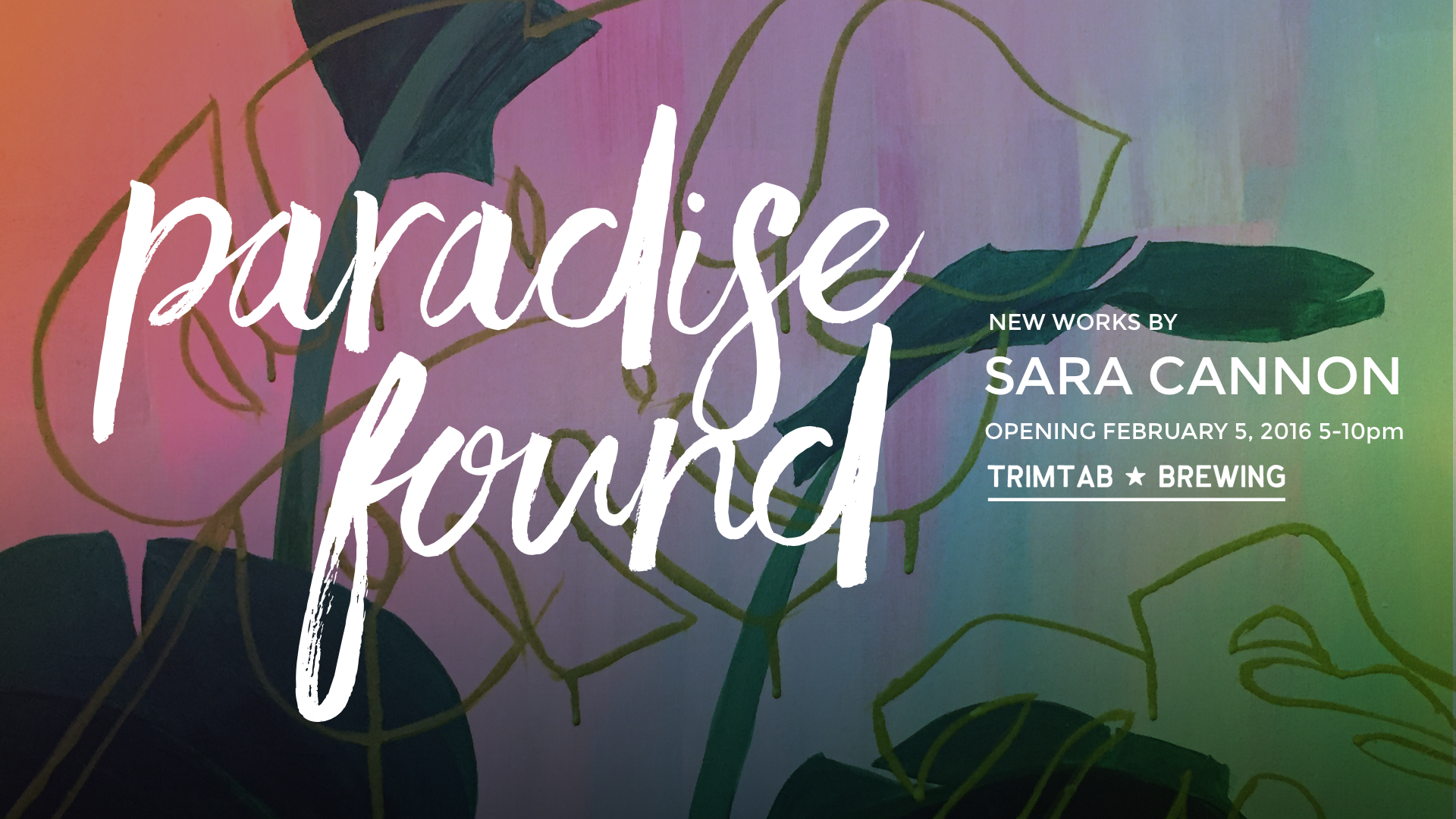
Paradise Gold: A Sara Cannon Art Opening at TrimTab Brewing

Sara Cannon Art is back at Trim Tab brewery! Stop on by and drink good beer, get some food from Tropicalio food pop up, and listen to great tunes curated by theafterparty!
Read more

April 26, 2016

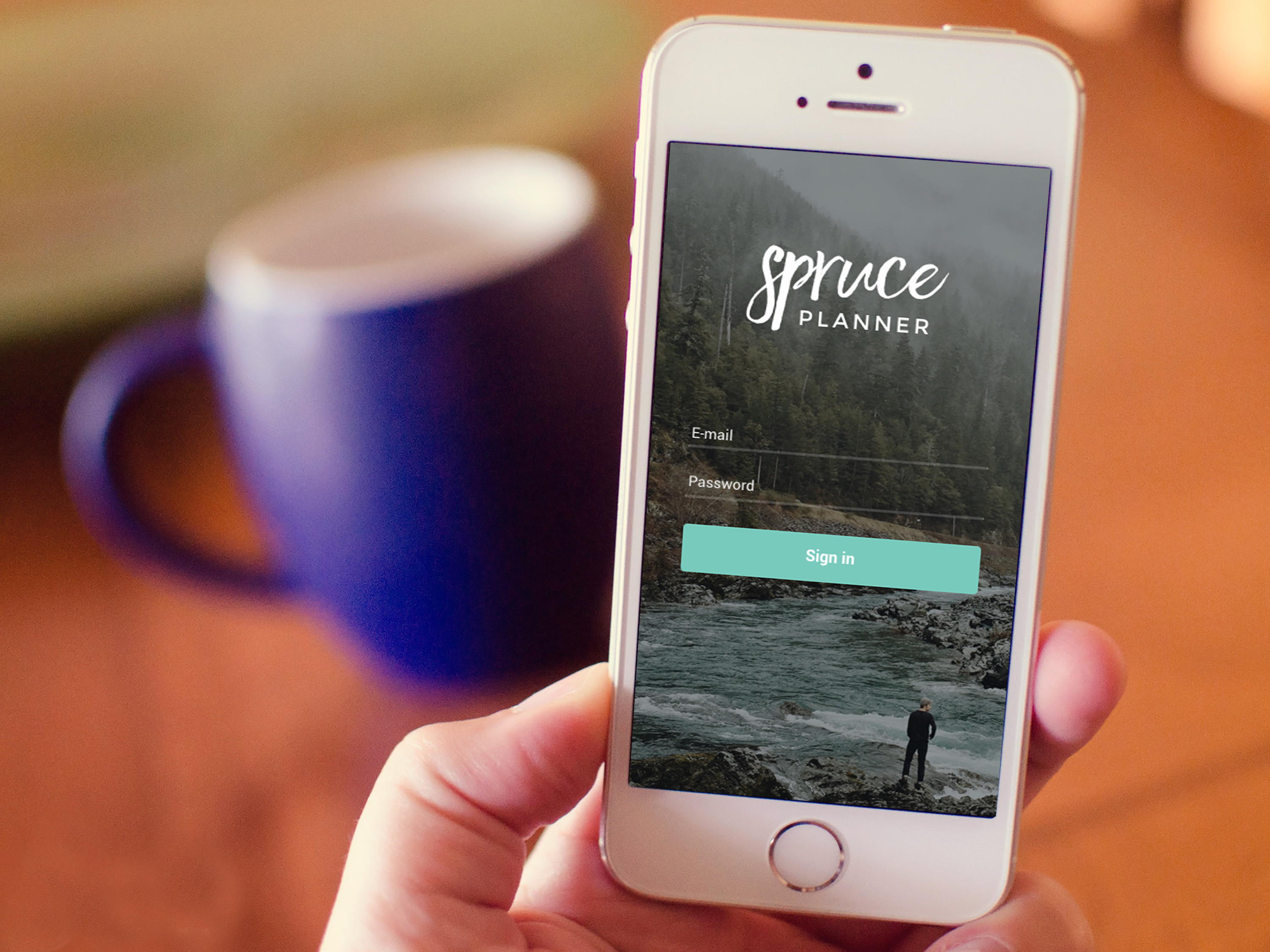
Introducing Spruce Planner

As an entrepreneur, I have a lot of ideas up my sleeve. The past 6 months I have been slowly working on one of those ideas: Spruce Planner. Spruce Planner is an app product formulated under my newly minted Spruce Media, LLC.
Read more

April 26, 2016

What I’ve been up to at Range

At Range, we've been super busy! I've taken on the title of "Managing Partner." This is exciting - I'm looking forward to leading Range towards further success and growth.

Read more

Sara Cannon is a Product Designer crafting thoughtful digital experiences - from software products to film | UI • UX • Web • Brand
She's also an Artist.

Do you have a project she can help you with? Contact Sara at sara@saracannon.com.